


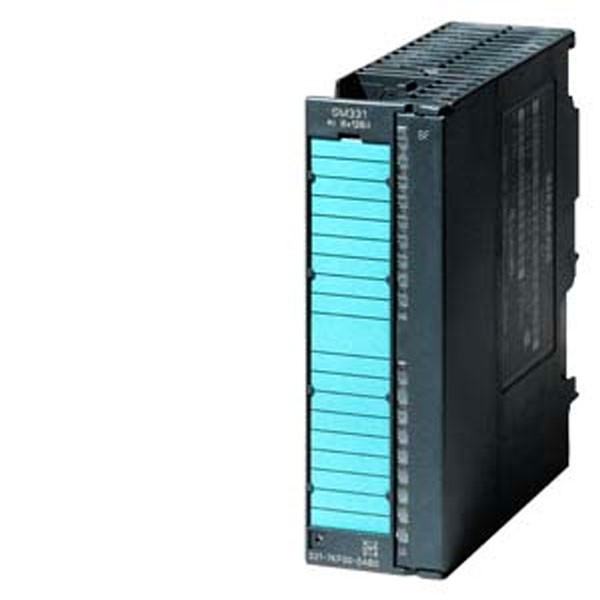
Siemens SIMATIC Digital Input Module SM331 6ES7 321-1BL00-0AA0
(0
reviews)
Sold by:
Inhouse product
Inhouse product

Price:
ASK PRICE
/Pcs
Share:
Top Selling Products
-

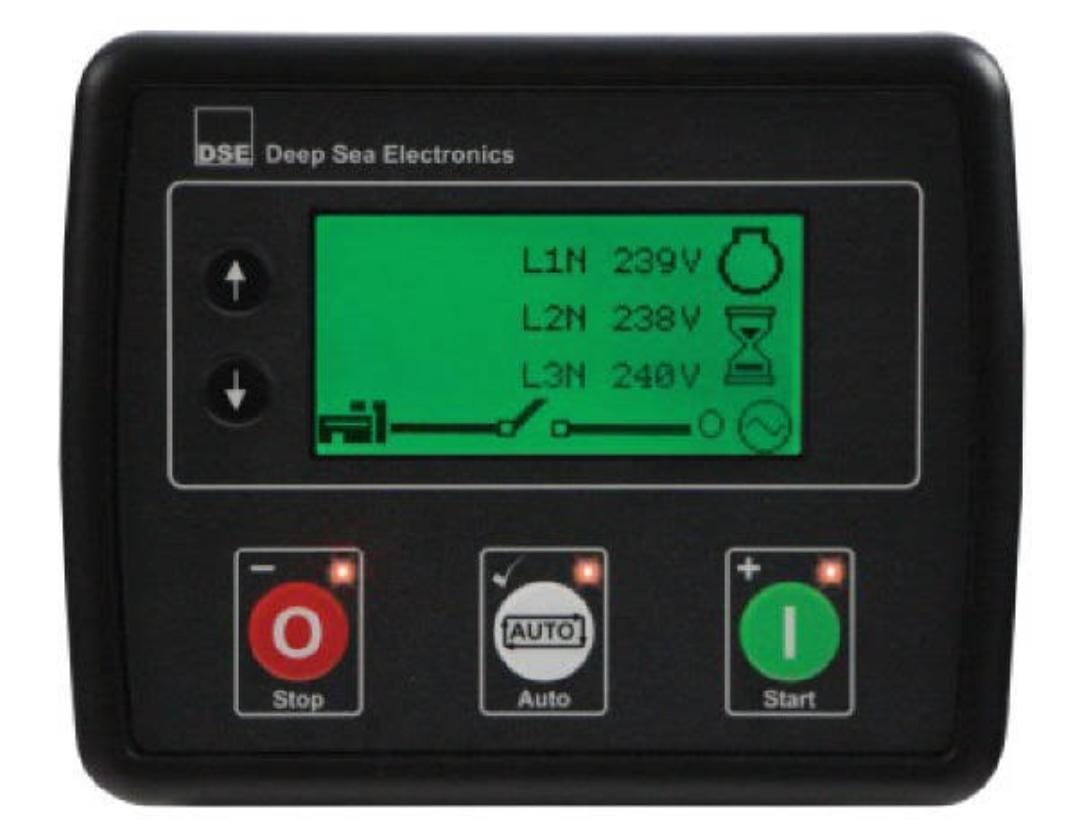
Deep Sea Controller — DSE4620
ASK PRICE -
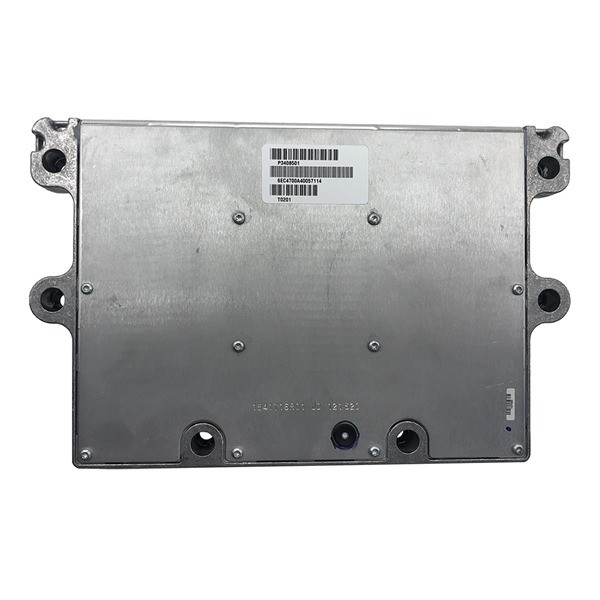
Cummins control moduel QSM1-DM/3408501X
ASK PRICE -
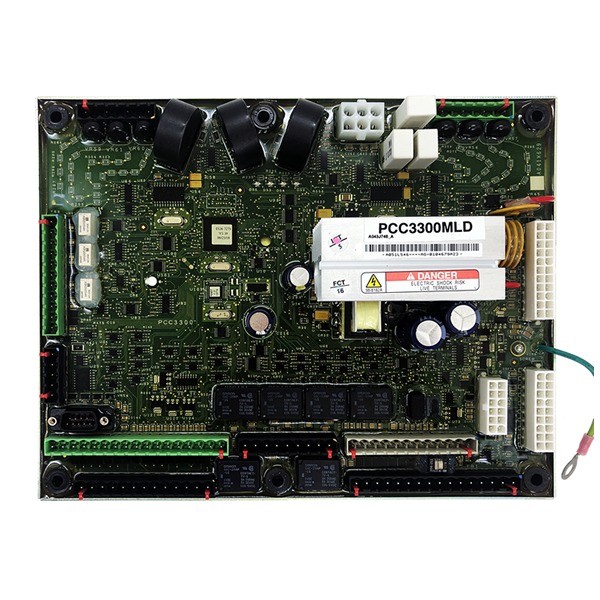
CUMMINS CONTROLLER PCC3300MLD
ASK PRICE

Siemens SIMATIC Digital Input Module SM331 6ES7 321-1BL00-0AA0
The Siemens SIMATIC Digital Input Module SM331, specifically the 6ES7 321-1BL00-0AA0 model, is a component commonly used in industrial automation systems to interface with digital signals from field devices or sensors. Here’s a breakdown of what you need to know about this module:
Overview
- Module Type: Digital Input Module
- Model: 6ES7 321-1BL00-0AA0
- Manufacturer: Siemens
- Compatibility: Designed for use with Siemens SIMATIC S7-300 series PLCs
Key Features
- Digital Inputs: The module is equipped with a certain number of digital input channels (e.g., 8, 16) depending on the specific configuration.
- Voltage Levels: Supports different voltage levels for digital inputs (e.g., 24V DC).
- Isolation: Typically offers electrical isolation between the field side and the internal electronics of the PLC for safety and noise immunity.
- LED Indicators: Includes status LEDs for each input channel to provide visual indication of input states.
Specifications
- Input Type: Digital (TTL or 24V DC)
- Number of Channels: Varies (e.g., 8 channels for 6ES7 321-1BL00-0AA0)
- Input Voltage: Depends on module configuration (commonly 24V DC)
- Input Current: Varies based on voltage level and module specifications
Installation and Wiring
- Power Supply: Ensure that the module is powered within the specified voltage range (e.g., 24V DC).
- Field Device Connection: Wire your digital field devices (e.g., sensors, switches) to the input channels of the module.
- Configuration: Configure the module within your PLC programming software (e.g., Siemens STEP 7) to map the input channels and define their functionality.
Usage and Programming
- Addressing: Assign addresses to the input channels within your PLC program for data acquisition and processing.
- Programming Logic: Use ladder logic (or other supported programming languages) to implement the desired logic based on the input signals received from the module.
There have been no reviews for this product yet.
Related products


ASK PRICE
EK1100 Ethercat Bus-cupler-


Signup For Newsletter
we'll never share your email address with a third-party
Be A Seller
Apply NowContact US
- Address: Elite House (6th floor),54, Motijheel C/A, Dhaka 1000.
- Phone: +8801737-042829
- Email: info@sellcobd.com


