


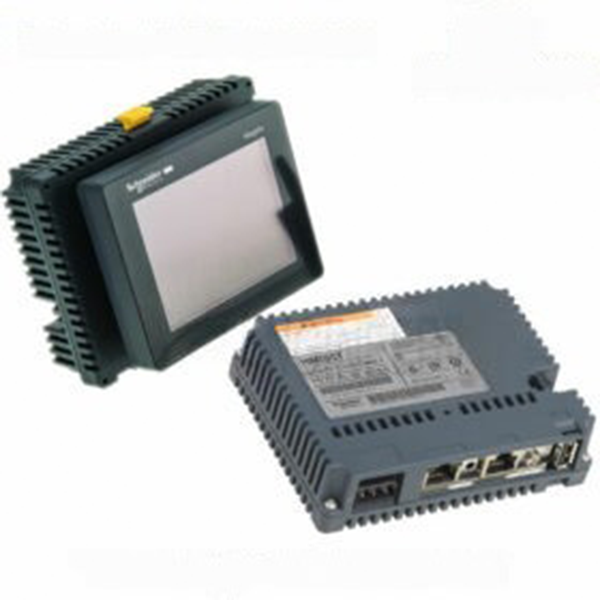
Schneider HMIS5T with HMIS65 Display Monitor for smart touch panel
Inhouse product

-

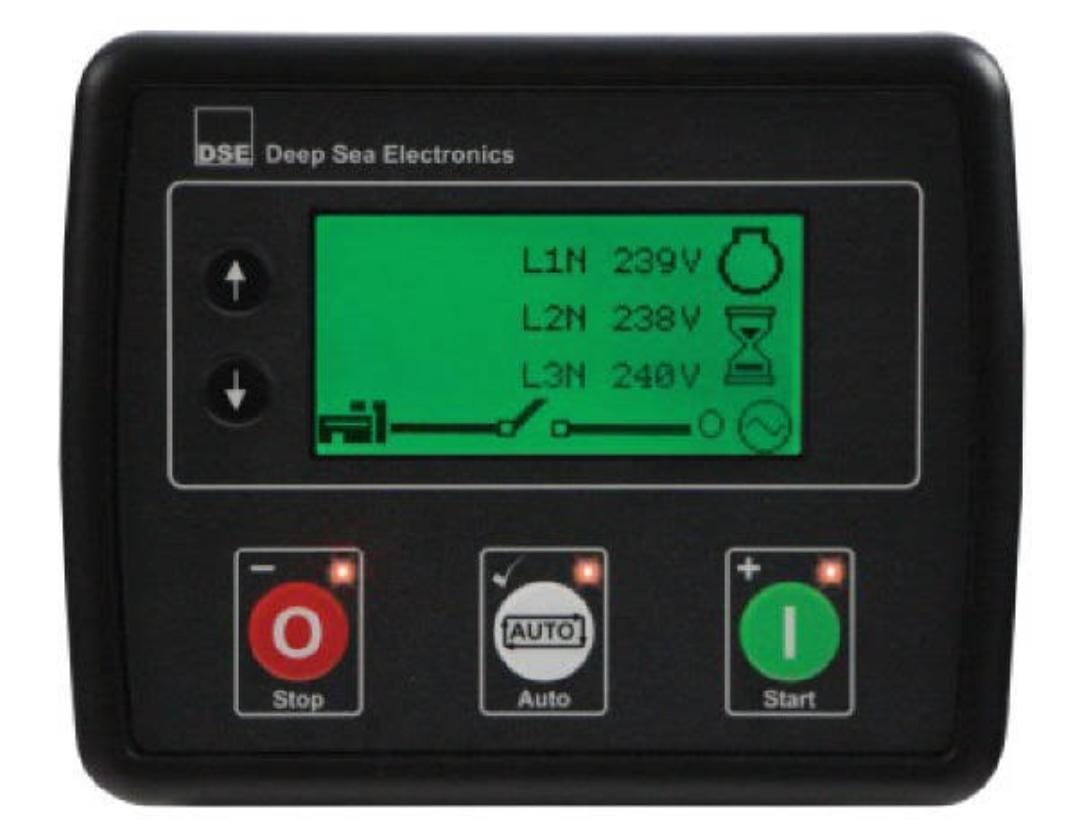
Deep Sea Controller — DSE4620
ASK PRICE -
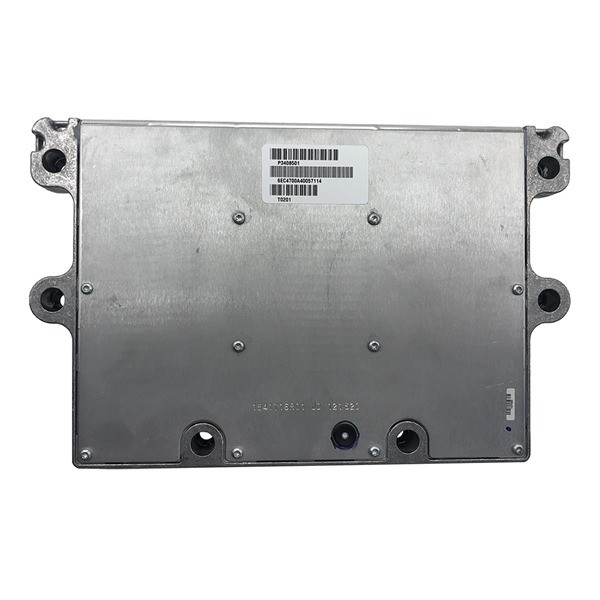
Cummins control moduel QSM1-DM/3408501X
ASK PRICE -
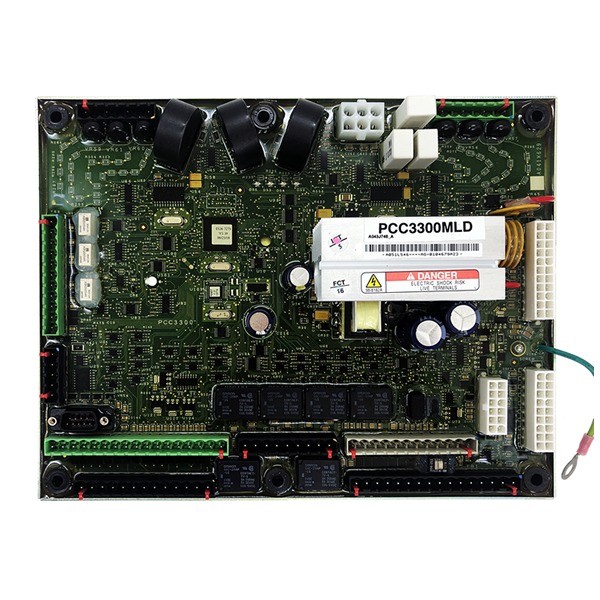
CUMMINS CONTROLLER PCC3300MLD
ASK PRICE

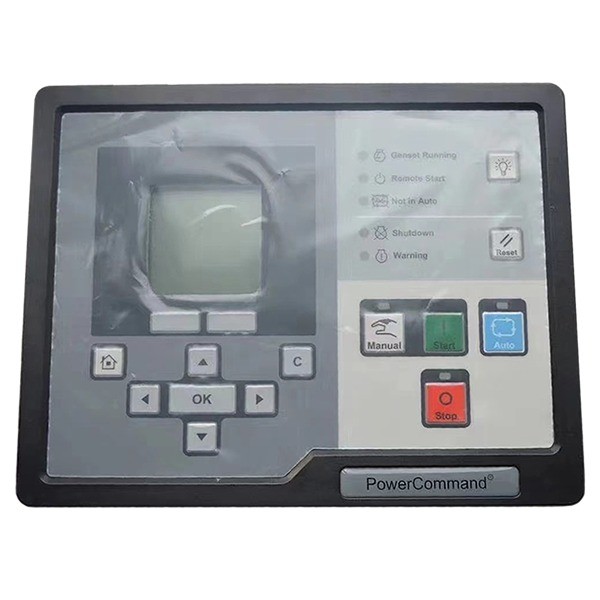
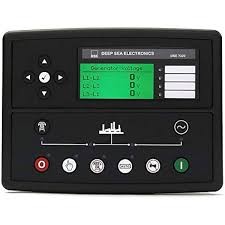
Schneider HMIS5T with HMIS65 Display Monitor for smart touch panel. The Schneider HMI S5T is a rare CPU Module for use with the motorist stations and small panels with touch screen. It’s complex with HMI STU655, HMI STU655W, HMI STU855 and HMI STU855W.
The Schneider HMIS5T with HMIS65 Display Monitor is a part of Schneider Electric’s Magelis HMI (Human-Machine Interface) range. This combination offers advanced features for industrial automation applications, providing robust and user-friendly interfaces for controlling and monitoring machinery and processes.
HMIS5T Smart Box
The HMIS5T is a smart box unit that pairs with various display modules, including the HMIS65, to form a complete HMI solution. Here are its key features and specifications:
Key Features:
- Processor: ARM Cortex A8 1 GHz
- Memory:
- Flash Memory: 512 MB
- RAM: 512 MB DDR3
- Operating System:
- Vijeo XD or EcoStruxure Operator Terminal Expert
- Interfaces:
- Ethernet: 2 ports (10/100 Base-T)
- Serial: 2 ports (COM1: RS232/RS422/RS485, COM2: RS485)
- USB: 1 host port (USB 2.0)
- SD Card Slot: Yes, for additional storage
- Power Supply:
- Voltage: 24 VDC
- Power Consumption: Typically 10 W
- Software Compatibility:
- EcoStruxure Operator Terminal Expert
- Vijeo Designer
HMIS65 Display Monitor
The HMIS65 is a 15.6-inch display module that connects to the HMIS5T smart box. Here are its key features and specifications:
Installation and Setup
- Mounting: The HMIS65 display can be mounted on a panel, while the HMIS5T smart box is typically mounted in a cabinet or similar enclosure.
- Wiring: Connect the display to the smart box, and then connect power and communication interfaces as per the wiring guidelines provided in the manuals.
- Configuration: Use Schneider Electric’s software tools, such as EcoStruxure Operator Terminal Expert or Vijeo Designer, to configure the HMI application.
- Testing: After setup, perform tests to ensure proper operation and communication between the HMI and connected devices.
The Technical information, wiring diagrams, and troubleshooting tips, refer to the user manuals for the HMIS5T and HMIS65 provided by Schneider Electric.
Related products


Signup For Newsletter
we'll never share your email address with a third-party
Be A Seller
Apply NowContact US
- Address: Elite House (6th floor),54, Motijheel C/A, Dhaka 1000.
- Phone: +8801737-042829
- Email: info@sellcobd.com


