


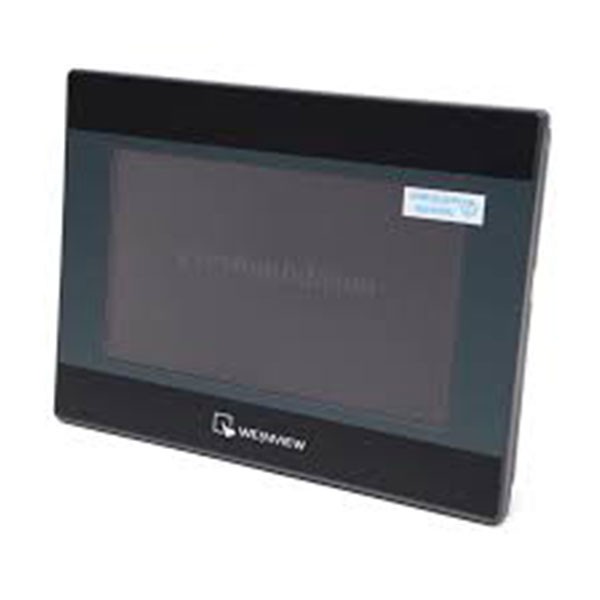
eMT3070B Weintek 7 inch Graphic touch screen smart hmi
(0
reviews)
Sold by:
Inhouse product
Inhouse product

Price:
৳1.00
/Pcs
Share:
Top Selling Products

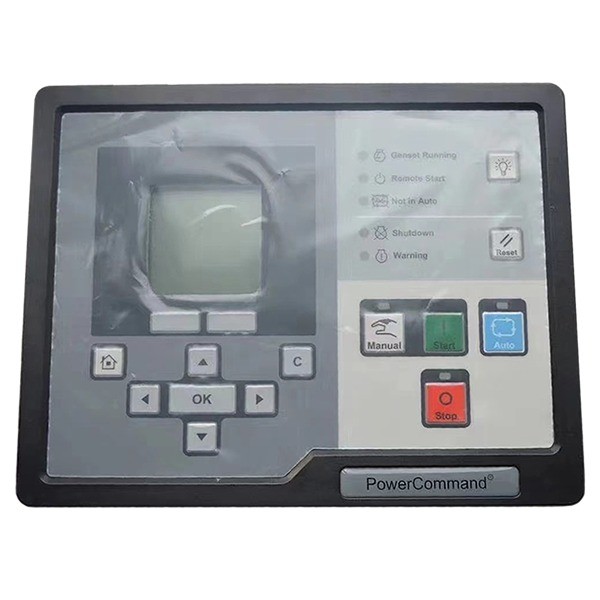
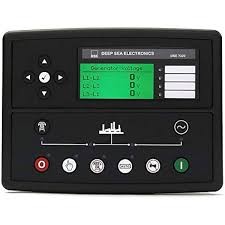
eMT3070B Weintek HMI
The Weintek eMT3070B is a 7-inch graphic touch screen HMI (Human-Machine Interface) known for its smart features and ease of use. Below is a comprehensive guide to help you with the installation and programming of the eMT3070B.
Installation
- Unpacking and Inspection:
- Carefully unbox the HMI and inspect it for any physical damage.
- Ensure you have all necessary accessories like mounting brackets and screws.
- Mounting:
- Cut a hole in the panel where the HMI will be installed. Refer to the manual for the specific cutout dimensions (usually around 192 mm x 138 mm).
- Insert the HMI into the cutout from the front side of the panel.
- Use the mounting brackets and screws to secure the HMI to the panel.
- Power Connection:
- Connect the power supply to the HMI. The eMT3070B typically requires a 24V DC power source.
- Double-check the polarity and ensure secure connections to prevent short circuits.
- Communication Connection:
- Connect the HMI to your PLC or other control devices. The eMT3070B supports RS232, RS485, and Ethernet connections.
- Ensure proper connection and termination to avoid communication issues.
There have been no reviews for this product yet.
Related products


Signup For Newsletter
we'll never share your email address with a third-party
Be A Seller
Apply NowContact US
- Address: Elite House (6th floor),54, Motijheel C/A, Dhaka 1000.
- Phone: +8801737-042829
- Email: info@sellcobd.com


