


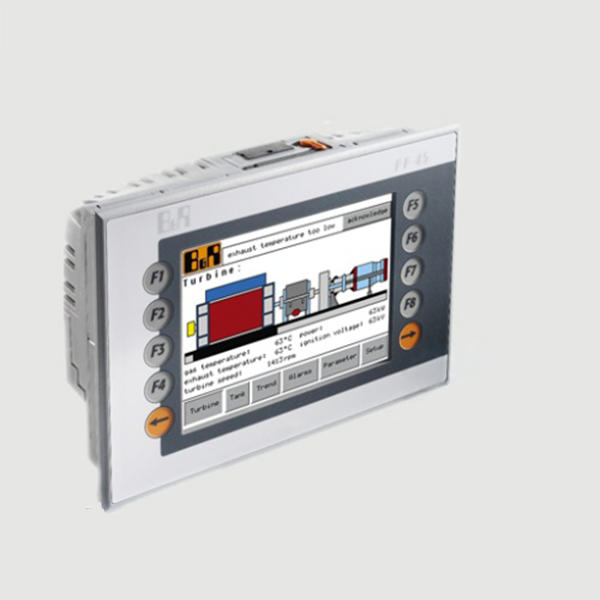
B&R-BNR HMI-Display POWER PANEL 45 Touch Panel supplier in bd
Inhouse product

-

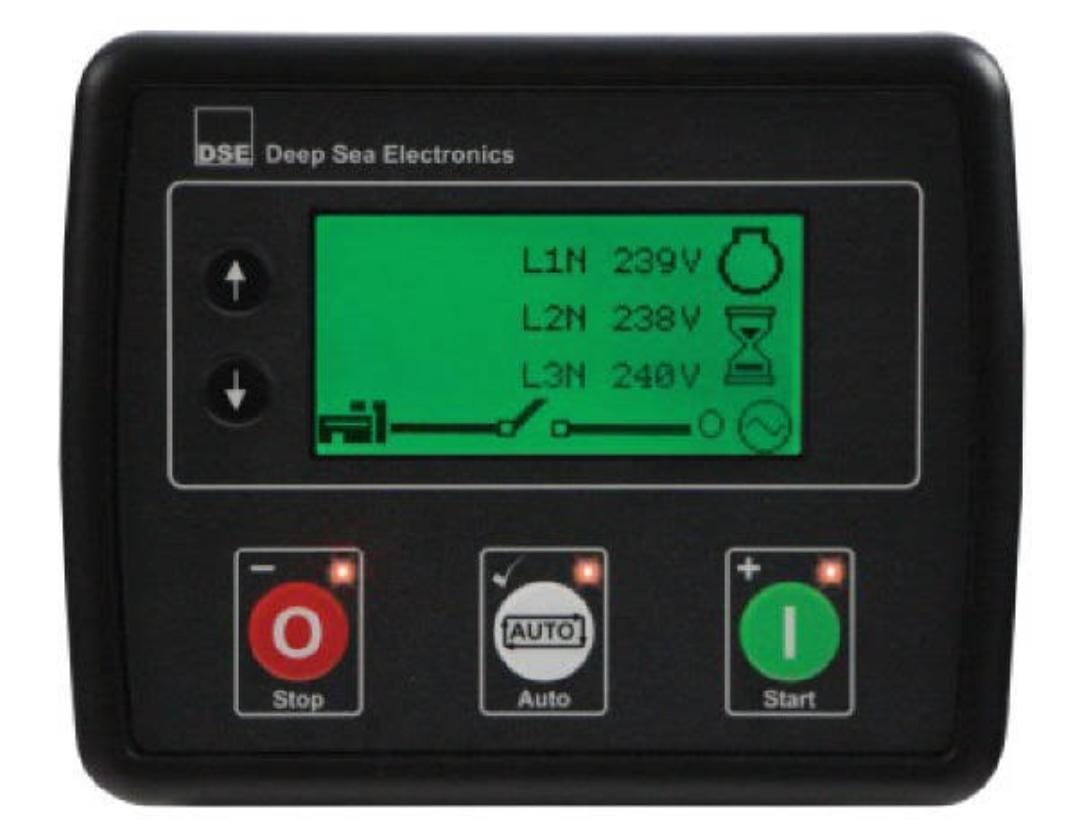
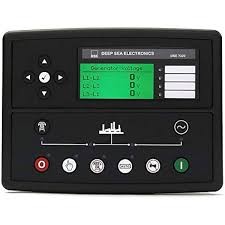
Deep Sea Controller — DSE4620
ASK PRICE -
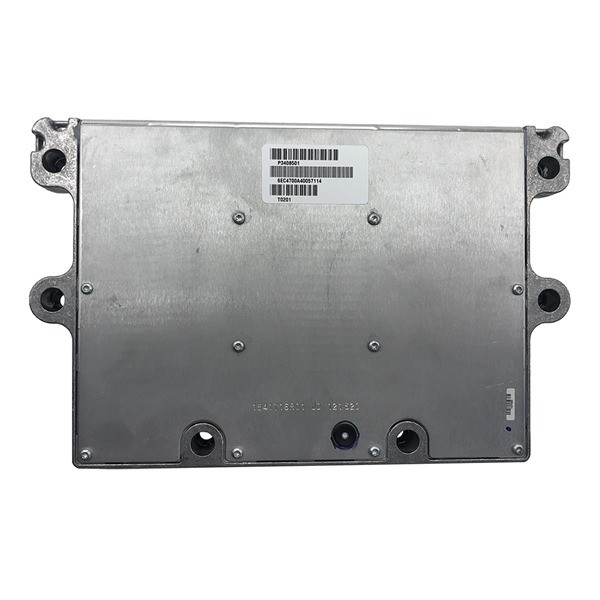
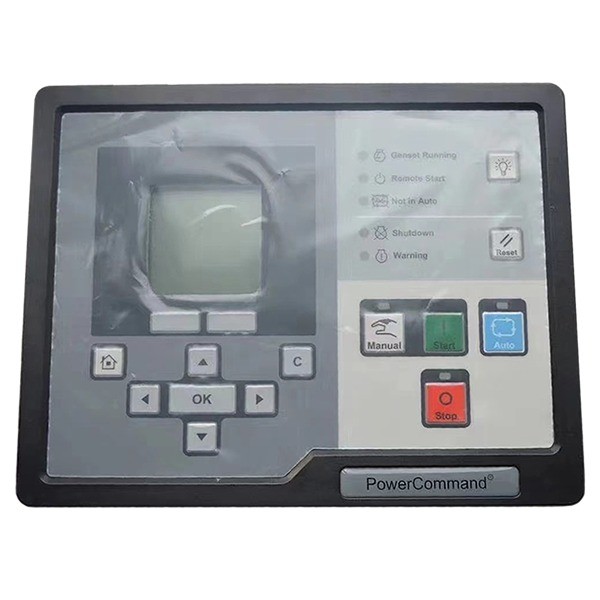
Cummins control moduel QSM1-DM/3408501X
ASK PRICE -
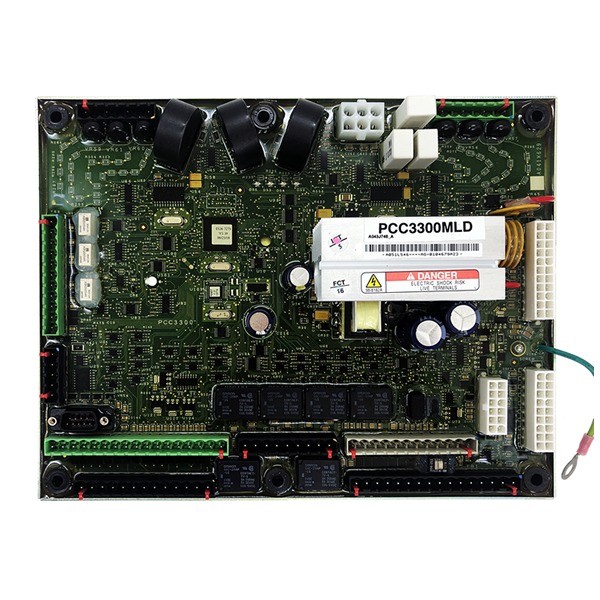
CUMMINS CONTROLLER PCC3300MLD
ASK PRICE

B&R-BNR HMI-Display POWER PANEL 45 Touch Panel
The B&R Power Panel 45 (PP45) is a rugged Human Machine Interface (HMI) and display unit designed for industrial automation applications. It combines a touch panel display with control capabilities, making it suitable for monitoring and controlling machinery and processes in harsh industrial environments. Here are the key features, specifications, and applications of the B&R Power Panel 45 Touch Panel:
Key Features B&R Power Panel 45 (PP45):
- Display Size and Type: Typically features a 4.5-inch TFT LCD touchscreen display.
- Touchscreen: Resistive touchscreen technology, allowing for reliable operation with gloves or stylus.
- Processing Power: Built-in CPU for local processing and control tasks.
- Communication Ports: Ethernet and USB ports for communication with PLCs, other devices, and data storage.
- Memory: Flash memory for storing HMI projects and data.
- Mounting Options: Panel-mountable design for integration into control cabinets or machinery.
Technical Specifications:
- Model: B&R Power Panel 45 (PP45)
- Display Size: 4.5 inches (diagonal)
- Touch Technology: Resistive touchscreen 640 x 480 pixels (VGA)
- Interfaces: Ethernet port for communication, USB ports for data transfer and peripherals
- Operating System: B&R Automation Studio software environment for HMI programming and operation
- Power Supply: 24V DC nominal input power supply
Installation and Configuration:
Mount the Power Panel 45 securely on a panel or enclosure using the appropriate mounting hardware. Ensure the panel is securely fixed to withstand vibrations and shocks typical in industrial environments. Connect the Ethernet cable to the Power Panel 45’s Ethernet port for communication with PLCs and networked devices.
POWER PANEL 45
Power the HMI using a 24V DC power supply, ensuring correct polarity and grounding. Develop the HMI application using B&R Automation Studio software, configuring screens, buttons, alarms, and data logging as per application requirements. Utilize graphical tools and libraries provided by B&R for creating an intuitive user interface. Configure communication settings in B&R Automation Studio to establish communication between the Power Panel 45 and B&R PLCs or other industrial controllers.
Summery
For detailed installation instructions, programming guidelines, and troubleshooting assistance, refer to the user manual and technical documentation provided by B&R Automation for the Power Panel 45 (PP45) Touch Panel. This documentation will provide comprehensive guidance specific to setting up and effectively using the HMI in your industrial automation application.
Related products


Signup For Newsletter
we'll never share your email address with a third-party
Be A Seller
Apply NowContact US
- Address: Elite House (6th floor),54, Motijheel C/A, Dhaka 1000.
- Phone: +8801737-042829
- Email: info@sellcobd.com


